チュートリアルとリソース
Web アプリをはじめよう
チュートリアル動画をご覧いただき、Beyz AI Web アプリの使い方を始めましょう
注目の記事
Show More ->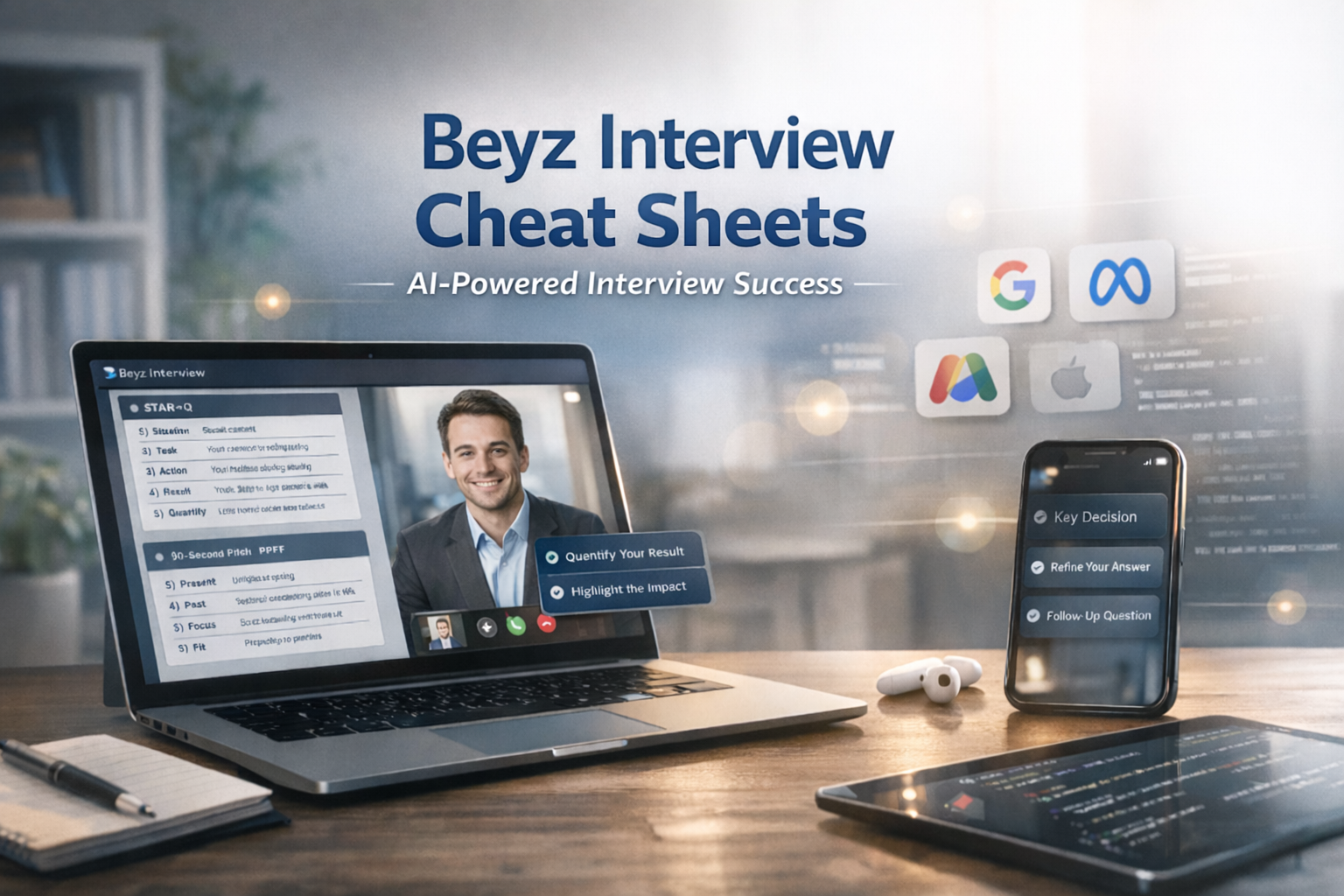
2025年12月16日
AI Interview Cheat Sheet: Beyz Guide
Build an AI interview cheat sheet with STAR answer structure, resume mapping, reusable prompts, and a focused interview question bank.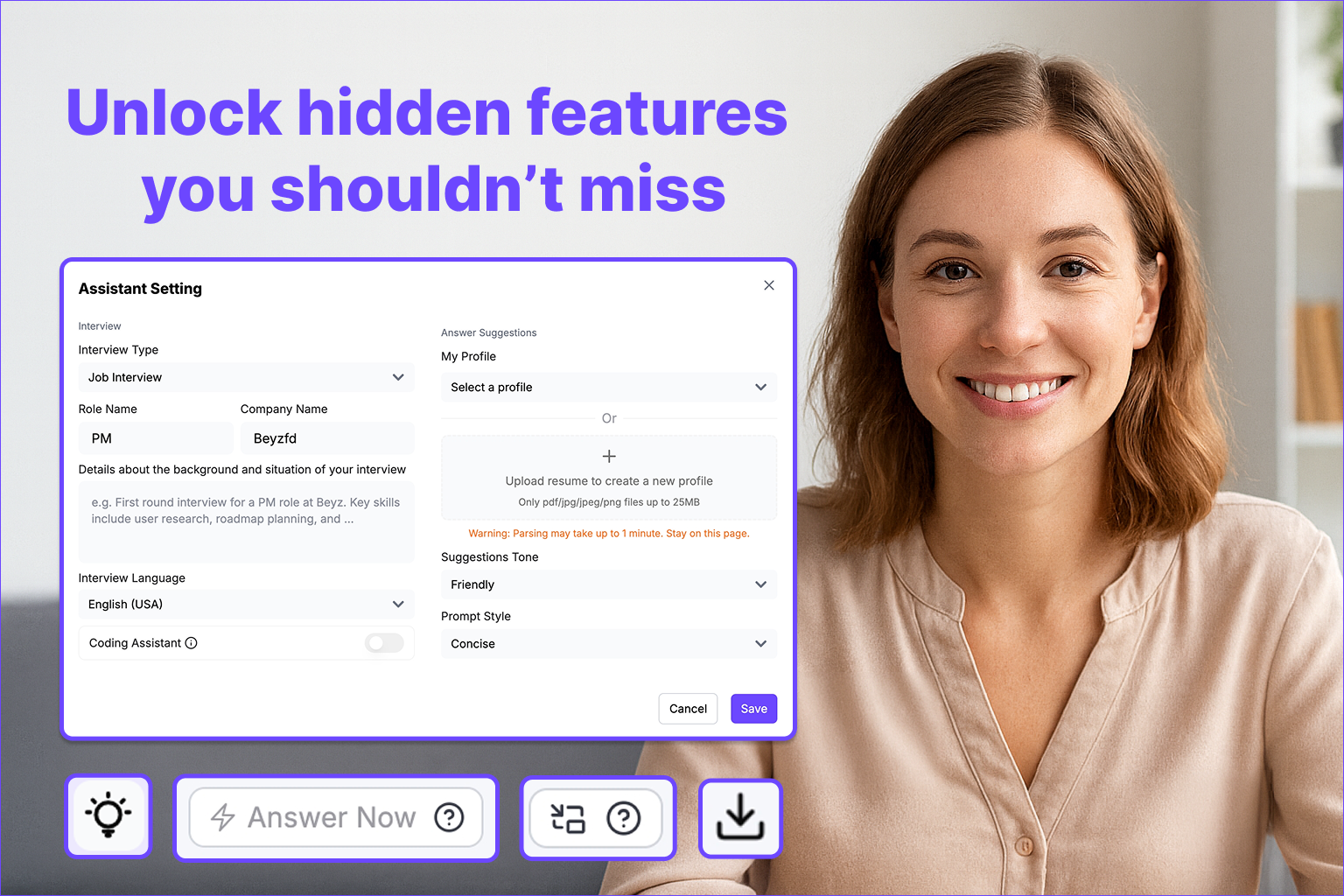

Recent Articles

2026年11月25日
AI Interview Assistant for Google Meet: Setup Guide
Step-by-step: choose overlay vs browser, prep your assistant, set mic permissions, run a 5‑minute pre-call test, and use on-call controls confidently.
2026年11月24日
How to Use an AI Interview Assistant on Mac
A practical Mac setup for Beyz during browser interviews, desktop coding screens, and meetings—fast, reliable, and distraction‑free.
2026年11月9日
Free AI Interview Assistant: What You Can Use
Test real-time hints, cheat sheets, solo practice, and meeting tools—free—so you can decide if a paid interview workflow is necessary.
2026年11月8日
Online Interview AI Helper: Setup Guide
Two reliable setups—browser assistant or invisible desktop overlay—for real-time prompts without distracting your interviewer.
2026年11月3日
AI Interview Assistant for Microsoft Teams
Set up a reliable AI interview assistant for Microsoft Teams on desktop or in the browser, with invisible overlays, real‑time prompts, transcription, and privacy tips.
2026年10月23日
AI Interview Software: Features and Setup Guide
What AI interview software can do for live interviews, practice, meetings, and coding—plus step‑by‑step Beyz setup.
2026年9月23日
How to Review AI Mock Interview Answers
A practical checklist to compare AI-generated mock interview answers with your real experience—so you can speak clearly, credibly, and in your own voice.
2026年9月22日
Practice Coding Interview Follow‑up Questions
A repeatable 7‑step loop to revise solutions under new constraints—plus drills, talk tracks, timing, and an example you can mimic
2026年9月21日
Interview Copilot Desktop Controls Explained
Master interview copilot keyboard shortcuts—click‑through, opacity, hide/summon, and scroll—so your overlay stays helpful but never in the way during practice.
2026年9月18日
How to Compare AI Interview Copilots in Practice
Run one controlled mock and score answer suggestions with a clear 10‑point rubric so you can compare tools beyond vibes.
2026年9月17日
AI Coding Screen Solver: Choosing the Right Mode
When to use Coder vs Solver mode for practice, with quick checklists and example drills you can run today.
2026年9月17日